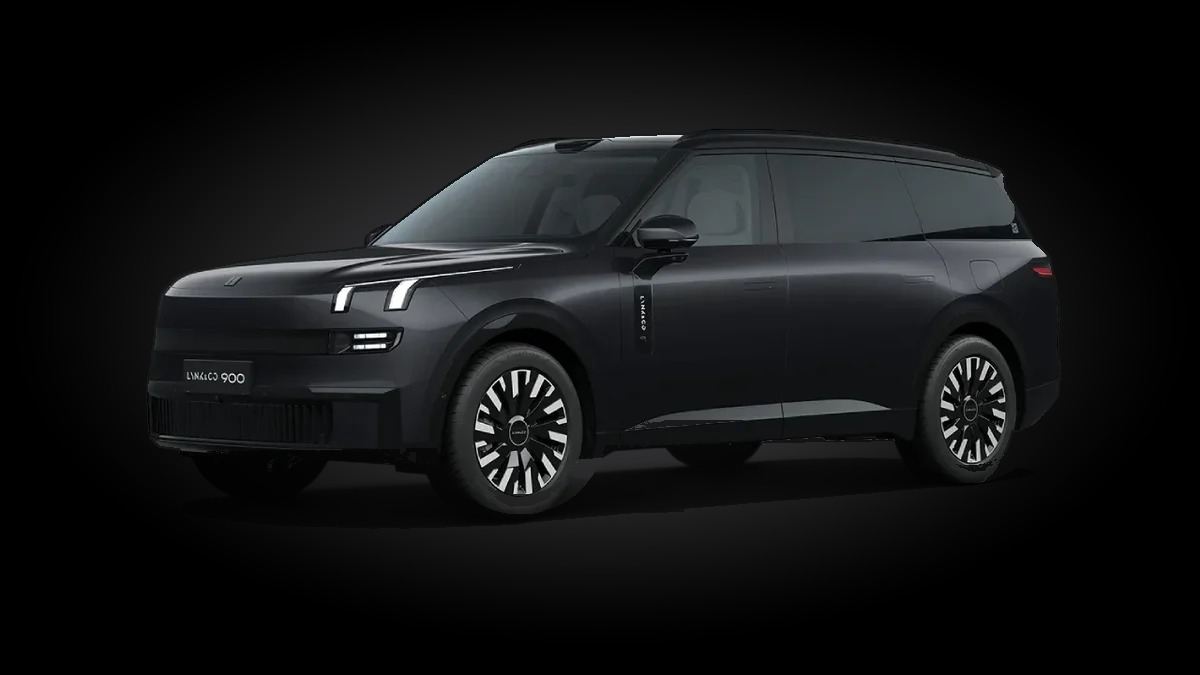
 LYNK&CO 900
USB Internet
Plug a USB 4G modem into your car and the whole car is online: the driver and passenger screens, the rear screen and the car's own services, with the signal shown in the car's own status bar.
No phone hotspot, no Wi-Fi to join every time you drive:
the car's internet comes from its own SIM, in a USB modem.
Download the installer on your Android phone or Windows PC, join the car's Wi-Fi (or a phone hotspot) and tap Install: it puts USB Internet on the car's front screen, always the newest version. The car then waits for our approval. After that the app keeps itself up to date.
One window, the whole car online
The operator, network type and signal, the modem's address and how much the car has used, with a Start/Stop and a Test internet button.


What it does
Made for the Lynk & Co 900 head unit, tested in the car.
Any USB 4G modem
Plug in a USB network modem (the kind that works on a laptop without software) with your SIM, and USB Internet takes it from there.
Every screen
The driver screen through the modem directly; the passenger and rear screens through the driver screen, so their apps are online too.
Signal in the status bar
The car's own signal icon shows the modem: bars and 4G, right where the car's eSIM icon is.
Starts by itself
When the car starts or the modem is plugged in, the internet comes back on its own. Nothing to tap.
Keeps the modem on
If the modem's mobile data drops, USB Internet turns it back on.
Wi-Fi still wins
Connected to a Wi-Fi? The car uses it; the modem takes over as soon as the Wi-Fi is gone.
Updates itself
New versions install by themselves, only while the car is parked in P.
Licensed per car
Each car is approved once by its VIN. Before approval the modem only carries the approval request.
How it works
Getting started takes a few minutes.
Contact us
Message us on Telegram with your car VIN to ask for USB Internet and its price.
Pay with RedotPay
Pay with RedotPay and send the receipt on Telegram. Tap the code to make it bigger.
Install on the car
The USB Internet Installer (Android phone or Windows PC, download above) puts USB Internet on the car's front screen over the car's network.
Plug in and request
Plug the USB modem into the car and tap Request approval in USB Internet. We approve your car.
Drive online
The whole car is on the internet from the modem, every time you start it.
Contact us
Questions, or want USB Internet on your Lynk & Co 900? Message us on Telegram. Scan the codes with your phone camera: RedotPay to pay, Telegram to message us. Send the receipt and your car VIN on Telegram.
Open in Telegram